MajestatTopCore (shown in the console as Majestat) is a Rust server plugin for Oxide (uMod) and Carbon. One .cs file and one config give your server complete player statistics, leaderboards in game and in the browser, a vote for next wipe's map, an info panel with your rules, and a connection to the rustserverlist.online global network — with a cross-server ranking and a verified server profile.
Key features#
- PvP and PvE statistics — PvP kills and deaths, Heli, Bradley, scientists (recognised by type and monument), zombies, animals, headshots, long-shot records, playtime.
- Gather, Loot, Build — wood, stone, metal, HQM, sulfur, scrap, diesel; crates by kind (Elite, Military, Locked, Airdrop, underwater, barrels…); building by element.
- XP and XP thresholds — every activity grants XP by threshold (e.g. 1 XP per 10,000 wood), with an on-screen progress bar and tamper-proof progress storage.
- Season and Fame — a leaderboard for the current wipe and an all-time leaderboard that survives resets.
- In-game panel —
/top,/gather,/loot,/build,/fame,/xpinfowith tabs and configurable columns. - Web panel — a built-in HTTP server: leaderboards, player profiles, game ↔ browser chat, admin console, live map, map vote and JSON export. Steam sign-in.
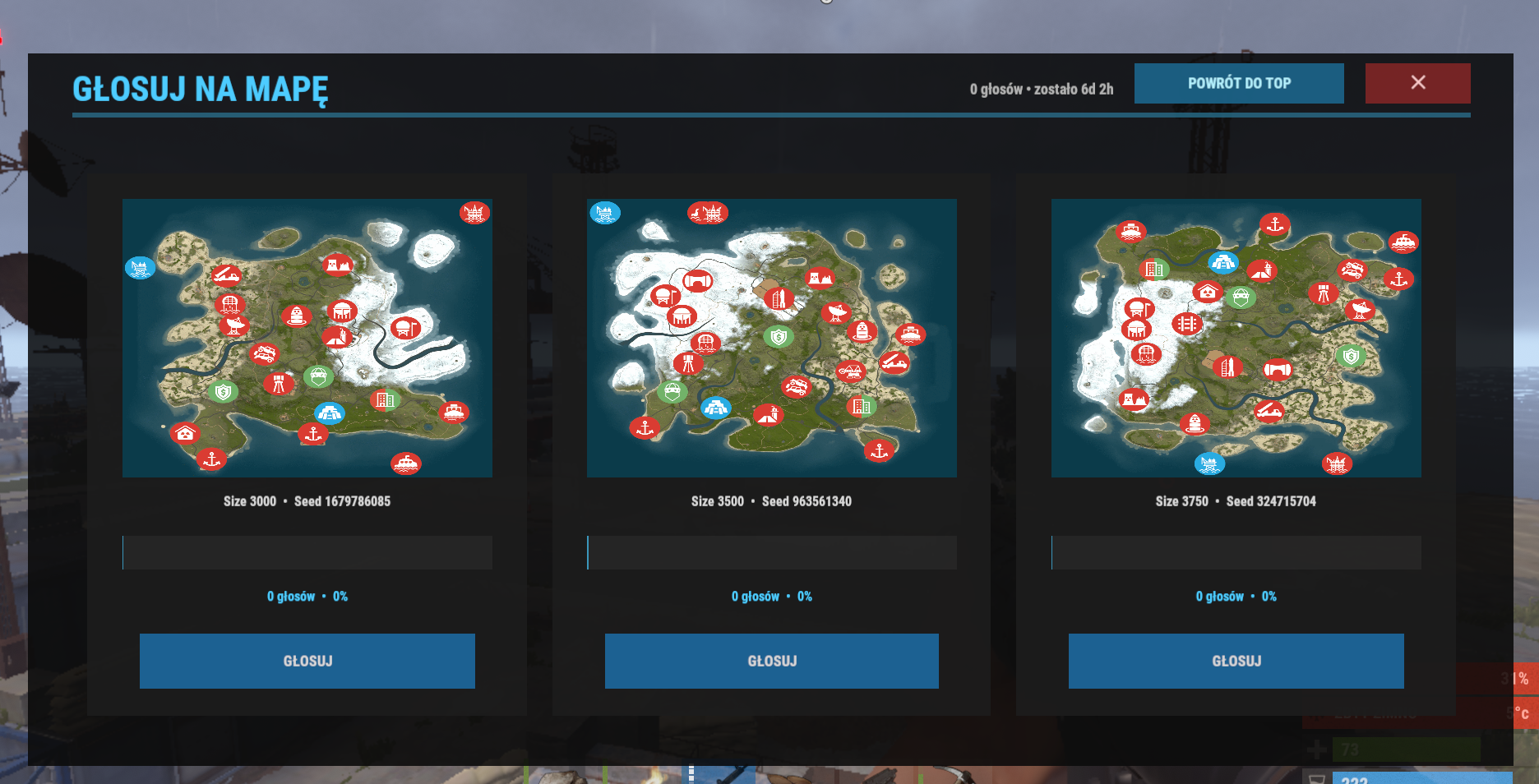
- Map vote — maps drawn from RustMaps, voting in game and in the browser, control from the console/RCON (
mtopcore.vote), a winner file for your wipe script. - INFO panel —
/help,/rules, tabbed rules and periodic chat broadcasts. - Friendly fire — XP penalty for killing a team, clan or friend member.
- Global network — heartbeat to the Master, verified statistics, cross-server
/globalranking. Without a token the plugin runs fully locally. - Your choice of database — JSON, SQLite or MySQL.
- API for other plugins — custom leaderboard tabs, custom statistics and XP sources. Details: API.
Requirements and compatibility#
| Requirement | Details |
|---|---|
| Game | Rust — dedicated server |
| Framework | Oxide (uMod) or Carbon |
| File | MajestatTopCore.cs → oxide/plugins/ (Carbon: carbon/plugins/) |
| Config | oxide/config/MajestatTopCore.json (Carbon: carbon/configs/) |
| Web panel | open TCP port WEB - HTTP Port (default 28020) |
| Map images in the vote | ImageLibrary plugin (optional) |
| Map drawing | RustMaps API key (optional) |
| MySQL database | a MySQL server (optional — JSON by default) |
| Clan / friends chat, FF | Clans, Friends (optional, detected automatically) |
Quick install#
- Download the latest
MajestatTopCore.cs. - Upload it to your server's plugins folder. The file name must stay
MajestatTopCore.cs. - On first start
MajestatTopCore.jsonis created — fill inNET - Token(global network),VOTE - RustMaps API Key(map vote) and your MySQL details if you use MySQL. - Reload the plugin:
oxide.reload MajestatTopCore(Carbon:c.reload MajestatTopCore).
Full description of the config, commands and permissions: Documentation.
Updates#
Every 6 hours the plugin checks this site for a newer version and reports it in the console and in the web panel footer. Every release — latest and archived — is on the Download page, and what changed is in the Changelog.